Starting a journey can be thrilling and a bit scary, especially when packing your electronics. Imagine you’re at the airport, packing your laptop, tablet, and headphones. You’re thinking about how to get through TSA screening smoothly. Whether you’re tech-savvy or a seasoned traveler, knowing how to fly with electronics can ease your stress. With the right tips, you can move through airport security easily, follow carry-on rules, and enjoy your devices on the flight.
Key Takeaways
- Know the TSA screening process for electronics to breeze through security.
- Familiarize yourself with carry-on rules regarding permitted devices.
- Adhere to safety regulations related to lithium batteries during air travel.
- Understand the in-flight policies for using your electronics.
- Stay updated on specific airline regulations concerning device usage.
Understanding Airport Security for Electronics
Knowing how airport security works with electronics can make flying easier. Being prepared helps you go through TSA screening smoothly. Here are some tips to make your airport visit stress-free.
Preparing for TSA Electronics Screening
Start by making sure your bags are easy to inspect. Have your ID and boarding pass ready as you get to the security check. Remember the 3-1-1 rule for liquids, which means you can carry 3.4 ounces or less in a quart-sized bag.
At the screening area, take out any big electronic devices like laptops and tablets from your bag. This makes the TSA screening faster.
What to Expect During the Screening Process
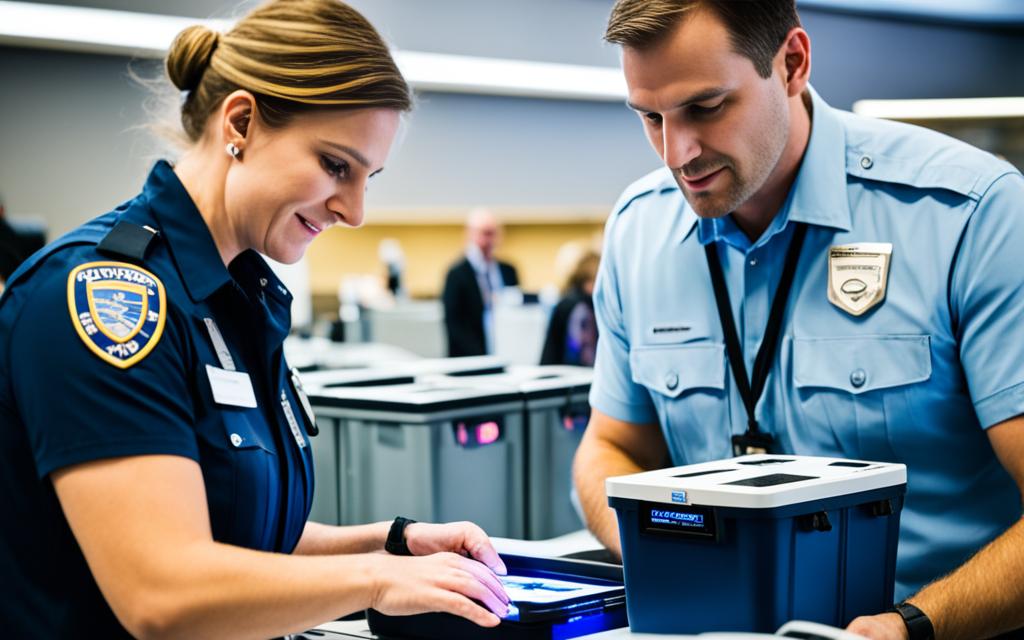
TSA officers might ask you to turn on your devices to check they work. This is to make sure they’re not a security threat. Check the list of banned items before you go to avoid any trouble. Knowing what to expect makes the process smoother and quicker.
| Electronic Device | Screening Requirement |
|---|---|
| Laptops | Must be removed from the bag and placed in a separate bin. |
| Tablets | Must be removed from the bag and placed in a separate bin. |
| Smartphones | Can remain in the bag unless requested otherwise. |
| Cameras | Must be removed from the bag and placed in a separate bin. |
| Portable chargers | Must be placed in a separate bin for inspection. |
Carry-On Electronics Rules
Knowing the rules for carry-on electronics can make flying easier. It helps you know what you can bring in your carry-on. Airlines and countries have their own rules, but most allow certain items easily.
Permitted Electronics in Carry-On Baggage
You can bring many electronics on board to enjoy your trip. Here are some common items you can bring:
- Laptops
- Tablets
- Smartphones
- Cameras
- Portable game consoles
Big items like laptops must be taken out for security checks.
Recommended Packing Strategies for Easy Screening
Packing smart can make going through security faster. Here are some tips:
- Put big electronics at the top of your carry-on for easy reach.
- Use compartments to keep shoes and electronics separate.
- Wrap fragile devices in padding to protect them.
- Make sure all devices fit in the overhead bin or under the seat.
These tips help you pass through security quickly and keep your stuff safe.
| Electronics | Screening Requirement |
|---|---|
| Laptop | Remove from bag and place in separate bin |
| Tablet | Remove from bag |
| Smartphone | Keep in your bag |
| Camera | Keep in your bag |
| Portable Game Console | Remove from bag |
Lithium Battery Guidelines for Air Travel
When you travel, knowing the rules about lithium batteries is key for your safety and following the law. These rules tell you how to handle devices with lithium metal and lithium-ion batteries. They also cover what to do with spare batteries.
Safety Regulations for Lithium Metal and Ion Batteries
Lithium batteries are found in many gadgets, and the rules help prevent battery problems. You must keep devices with these batteries in your carry-on luggage for safety. This lets flight crew quickly handle any battery issues during the flight.
Big lithium-ion batteries have special limits. You can bring two of these batteries for your use, making sure they’re safe for the trip.
How to Handle Spare Batteries
Spare batteries can be tricky when flying. They can’t go in checked luggage and must be in your carry-on. It’s important to protect them from damage and short circuits. Use special cases or bags for storing batteries.
Don’t bring damaged or recalled batteries unless they’re made safe. This shows the importance of checking them before you travel.

Electronics in Flight: Usage Policies
Understanding in-flight electronics policies can make your trip better. Each airline has its own rules about what devices you can use during the flight. Knowing these rules can prevent surprises and let you enjoy your flight more.
What Devices Can You Use During the Flight?
Most airlines let you use devices like laptops, tablets, and smartphones once the plane is in the air. In recent years, many airlines now allow these devices during all parts of the flight. But, always make sure your devices are in airplane mode to avoid interfering with the plane’s systems.
Airline-Specific Electronic Device Policies
Since airlines have different rules for using electronics in flight, it’s smart to check your airline’s policy. Some airlines don’t allow cell phone use, so you can’t make calls or send texts. Airlines also might suggest the best times to use your devices. Knowing these rules helps you follow them easily and makes your flight more comfortable.